
Business Internet Failover Solutions Explained
When your internet drops at 10:17 on a Monday morning, the problem rarely stays confined to one screen. Card payments stop, VoIP calls fail, CCTV remote viewing disappears, cloud systems hang, and staff start asking when service will be back. That is why business internet failover solutions matter. They are not a luxury for large enterprises. For many small and mid-sized organisations, they are the difference between a minor interruption and a very expensive day.
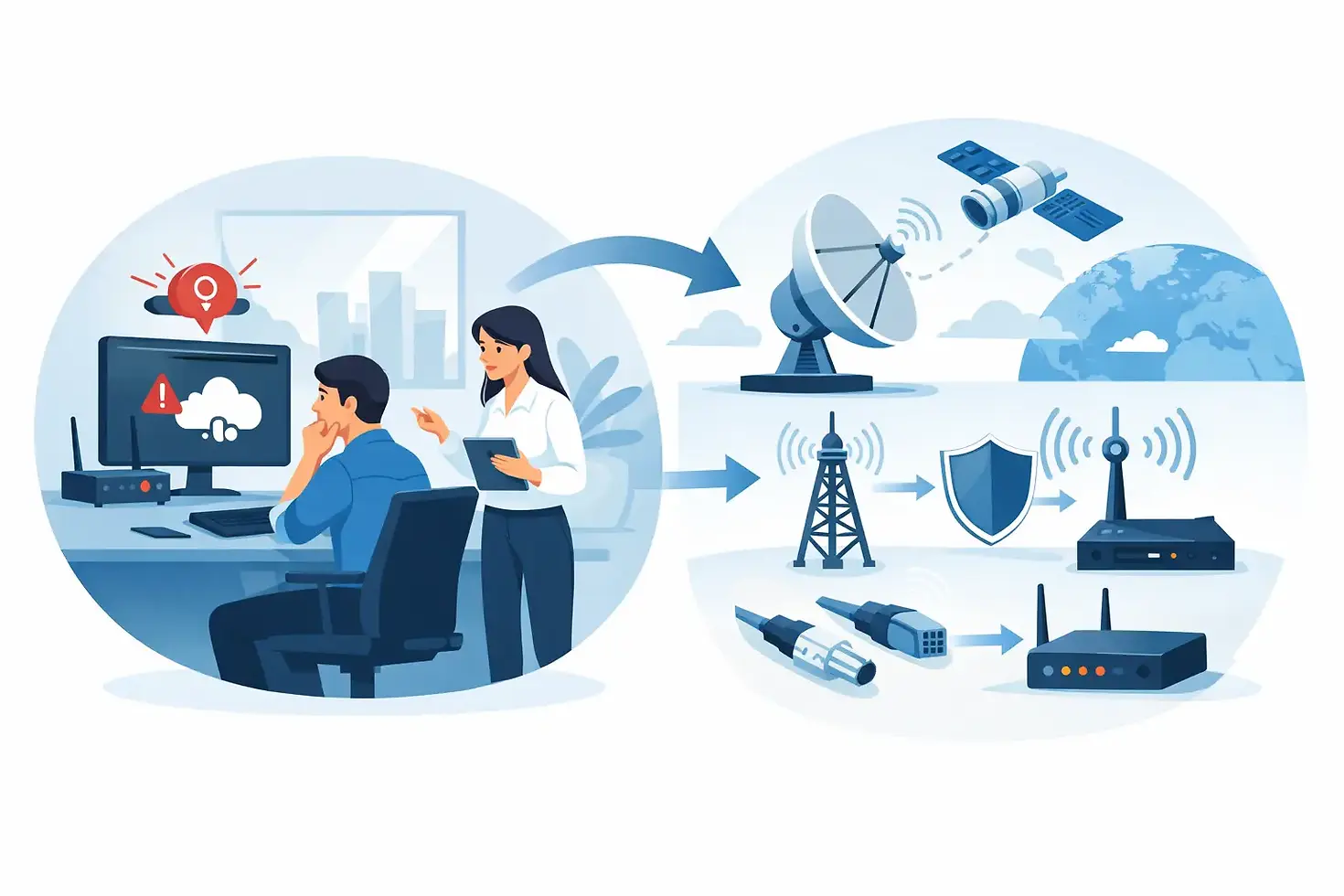
A failover setup gives your network a second path to the internet if the primary connection goes down or becomes unusable. In practice, that often means a business broadband or leased line backed up by 4G, 5G, or a second fixed line from a different provider. When designed properly, the switch happens automatically through a suitable router or firewall, so critical systems stay online with little or no manual intervention.
What business internet failover solutions actually do
The purpose is straightforward. If your main connection fails, traffic is rerouted to a backup connection so the business can keep operating. That sounds simple, but the quality of the solution depends on how intelligently that switchover is managed.
Some systems only fail over when the primary line is completely down. Others can detect packet loss, severe latency or service degradation and move key traffic before users start complaining. That distinction matters. A line does not have to be fully dead to cause problems. VoIP is especially sensitive to delay and jitter, and cloud platforms can become frustratingly slow long before broadband is officially classed as failed.
Good business internet failover solutions also let you decide what stays online first. You may want phones, payment terminals, alarm signalling, remote access and core business applications to take priority, while large downloads and guest WiFi are restricted during an outage. That kind of traffic management prevents a backup connection from being overwhelmed when you need it most.
Why a backup line is no longer optional for many businesses
Businesses now rely on connectivity for far more than email. Internet access sits behind communications, security and day-to-day operations. If your phone system is cloud-based, your internet connection is your telephone service. If your CCTV, intruder alarm notifications or access control rely on remote connectivity, an outage affects visibility and response as well as productivity.
This is particularly relevant for sites with integrated systems. Offices, retail premises, schools, warehouses and multi-tenant buildings often have several technologies sharing the same network infrastructure. One line fault can ripple across multiple services at once. A failover plan limits that exposure.
The cost argument is usually where business owners hesitate. Paying for a secondary connection can feel unnecessary when the primary service seems stable most of the time. But outages are measured against lost trade, lost calls, delayed work, reputational damage and staff downtime. For many organisations, one serious disruption can justify the investment.
Common types of business internet failover solutions
The right design depends on your site, budget and tolerance for downtime. There is no single setup that suits every business.
4G and 5G failover
This is often the quickest and most cost-effective option. A router with dual-WAN capability and a mobile data connection can provide automatic backup if the fixed line drops. For smaller offices and shops, this is frequently enough to keep phones, payments and cloud access running until the main service returns.
The trade-off is performance consistency. Mobile coverage, mast congestion and building construction all affect reliability. A strong 5G signal may deliver excellent speeds in one location and patchy results in another. That is why a site survey and realistic testing matter.
Dual fixed-line failover
This uses two separate wired internet services, often from different carriers or over different infrastructures. It is better suited to sites where uptime is critical and a mobile backup may not provide enough bandwidth or consistency.
It does cost more, but it also reduces dependence on one type of access method. If one provider has a local issue, the second line may continue unaffected. This approach is common where VoIP call quality, cloud-based operations or high user numbers make resilience a priority.
Leased line with backup connection
For businesses that need stronger service guarantees, a leased line paired with 4G, 5G or a secondary broadband line offers a higher level of resilience. The leased line handles primary traffic, while the backup protects against rare but costly interruptions.
This is often the right fit for organisations with multiple hosted services, constant remote access requirements or business-critical security infrastructure.
Business internet failover solutions for phones, CCTV and security systems
Failover is not just an IT matter. It directly affects systems that support safety, communication and control.
With VoIP, even a short outage can mean missed customer calls, dropped internal communication and delayed responses. If your team relies on softphones, desk phones or call routing in the cloud, internet resilience becomes a telephony issue as much as a networking one.
For CCTV and remote monitoring, failover can preserve off-site viewing and event notifications when the main line fails. That does not mean every camera stream should continue at full quality over a backup connection. Often, the better approach is to prioritise alerts, remote access and selected streams rather than pushing all footage through a limited failover link.
Access control and intercom systems can also depend on stable connectivity, especially where management is centralised or remote administration is required. In those cases, the network design should consider not just internet continuity but also local resilience at the switching and power level.
Choosing the right failover setup
The first question is not which router to buy. It is what an outage actually costs your business. If you can work offline for half a day with only minor inconvenience, your failover needs will look very different from a site that depends on live payments, constant calls or remote security access.
Start with your critical services. Identify what absolutely must stay online during a fault, what can tolerate reduced performance, and what can wait. That shapes the capacity and policy of the backup connection.
Then look at the physical site. Mobile failover may be ideal in one building and unreliable in another. Thick walls, weak outdoor signal, or a poor equipment cupboard location can all undermine a backup that looked good on paper. Equally, two fixed lines are only truly diverse if they do not share the same vulnerable route into the building.
Equipment matters as well. Consumer-grade routers are rarely enough for business continuity. A proper business firewall or router should support automatic failover, traffic prioritisation, health checks and secure remote management. If your network also carries CCTV, VoIP and wireless access points, that hardware needs to be specified with the wider infrastructure in mind.
Implementation mistakes to avoid
A common mistake is assuming any second connection equals resilience. It does not. If failover has not been configured, tested and maintained, the backup may only reveal its weaknesses during a live outage.
Another issue is forgetting bandwidth limits. A backup connection does not need to mirror your main circuit exactly, but it does need enough capacity for your priority services. If ten people are trying to work normally on a modest mobile connection with no traffic controls, performance will suffer quickly.
There is also the question of security. Backup links should be protected to the same standard as the primary connection. Firewall rules, VPN access, content filtering and device management should not disappear just because traffic has moved to a secondary path.
Testing is where many setups fall short. A failover solution should be checked regularly, not left untouched after installation. Networks change over time. New phones, additional cameras, more users and new cloud services can all alter the demands placed on both primary and backup links.
When managed support makes sense
For many businesses, internet resilience sits alongside other connected services such as WiFi, structured cabling, VoIP, CCTV and access control. Treating each one separately often leads to avoidable gaps. A failover connection may be installed, but not properly integrated with the phone system. The CCTV may remain reachable locally, but not remotely during an outage. Staff WiFi may continue, while business-critical traffic struggles.
That is why a joined-up approach tends to work better. When one provider understands both the network and the connected systems that rely on it, failover can be designed around real operational needs rather than generic specifications. For businesses across Sussex, Kent and beyond, Techie Installation Services often supports this broader view by combining connectivity and security infrastructure under one plan.
The best business internet failover solutions are not the most complicated. They are the ones that match the site, protect the right services and switch over when they are supposed to. If your internet connection now underpins phones, payments, CCTV or cloud access, resilience is part of doing the job properly. A short outage might be unavoidable. Being unprepared for it does not have to be.


Comments